
Robot Terminal Management
Centralised fleet management for every Robot terminal on your site.
Each Robot terminal provides a touchscreen interface for workers to perform operational tasks — weighing containers, scanning barcodes, logging worker activity, and recording production data. The Robot SCADA & IOT Server gives operations and IT a single console to deploy, monitor, and maintain that fleet across one or many sites.
Remote screen access
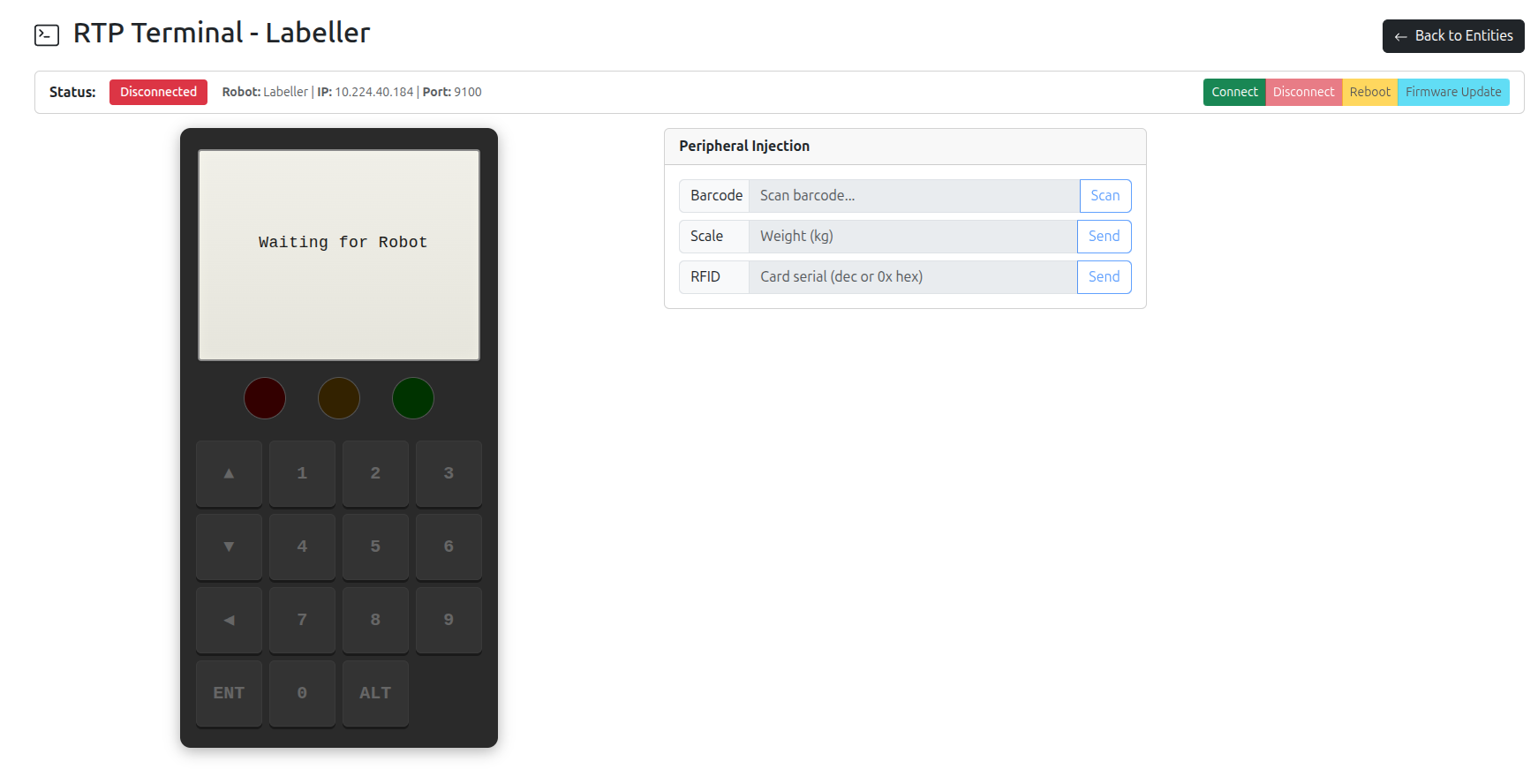
View and control any robot terminal from your browser via VNC, or via the proprietary Robot Terminal Protocol (RTP) tunnelled over WebSocket — useful for troubleshooting from off-site without exposing devices directly to the network.
Configuration management
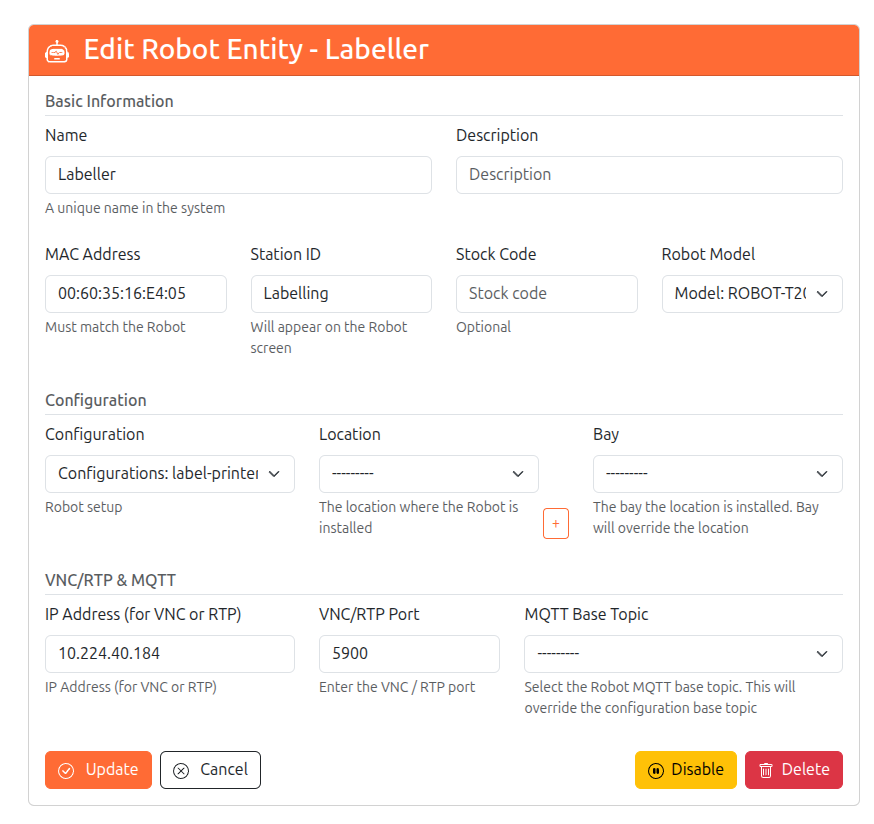
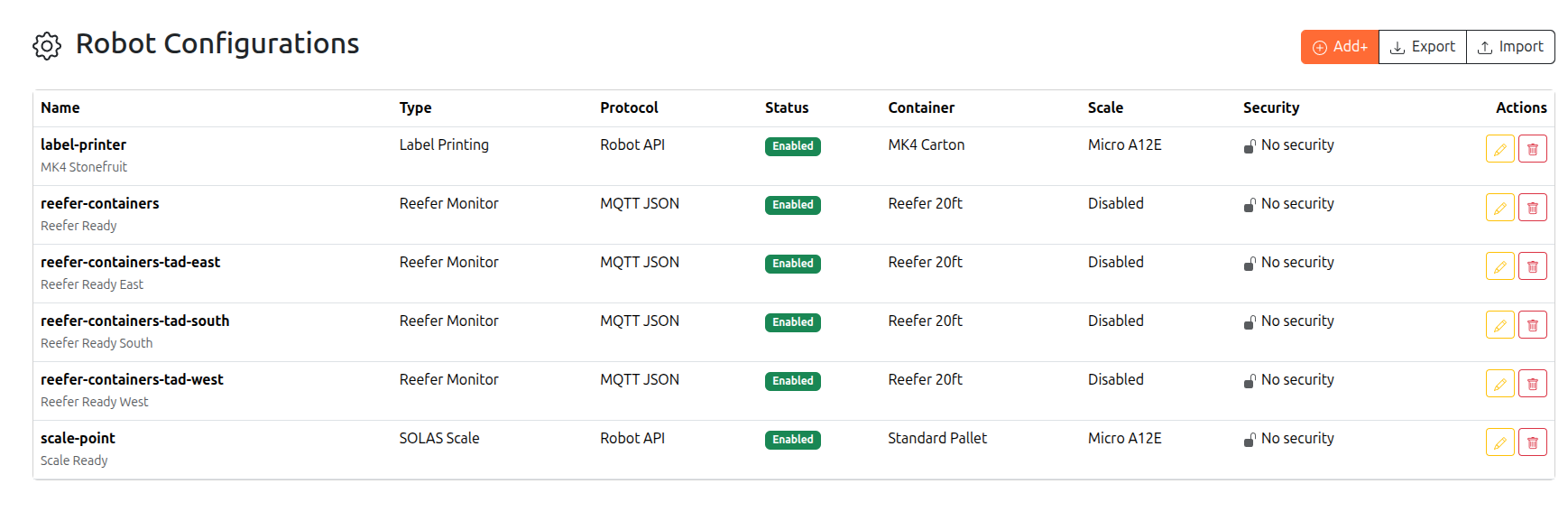
Push setup profiles covering scale protocols, scanner types, security settings, and operational modes. Profiles can be assigned per device or per group, and changes propagate the next time the terminal pings home.
Health monitoring
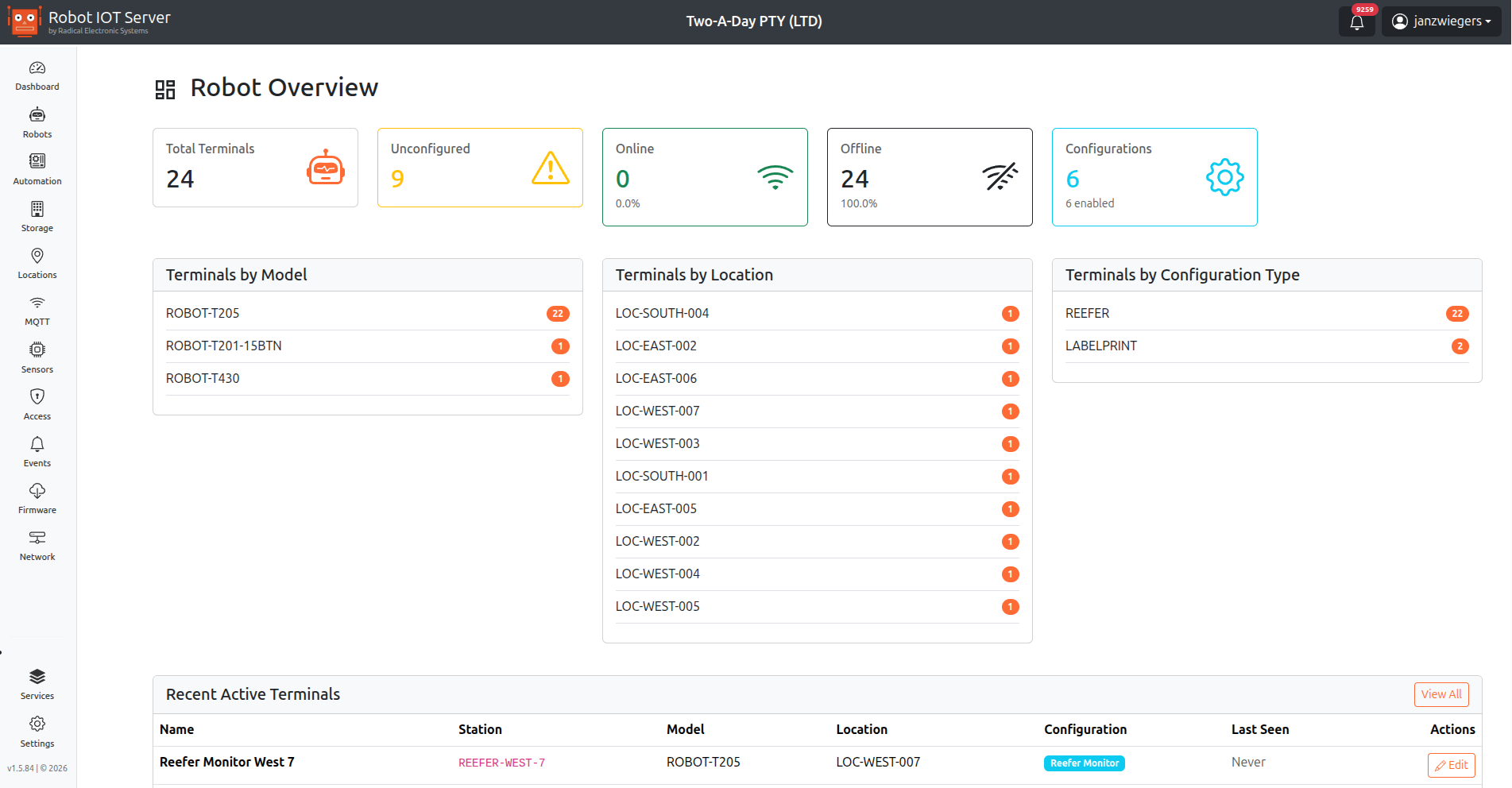
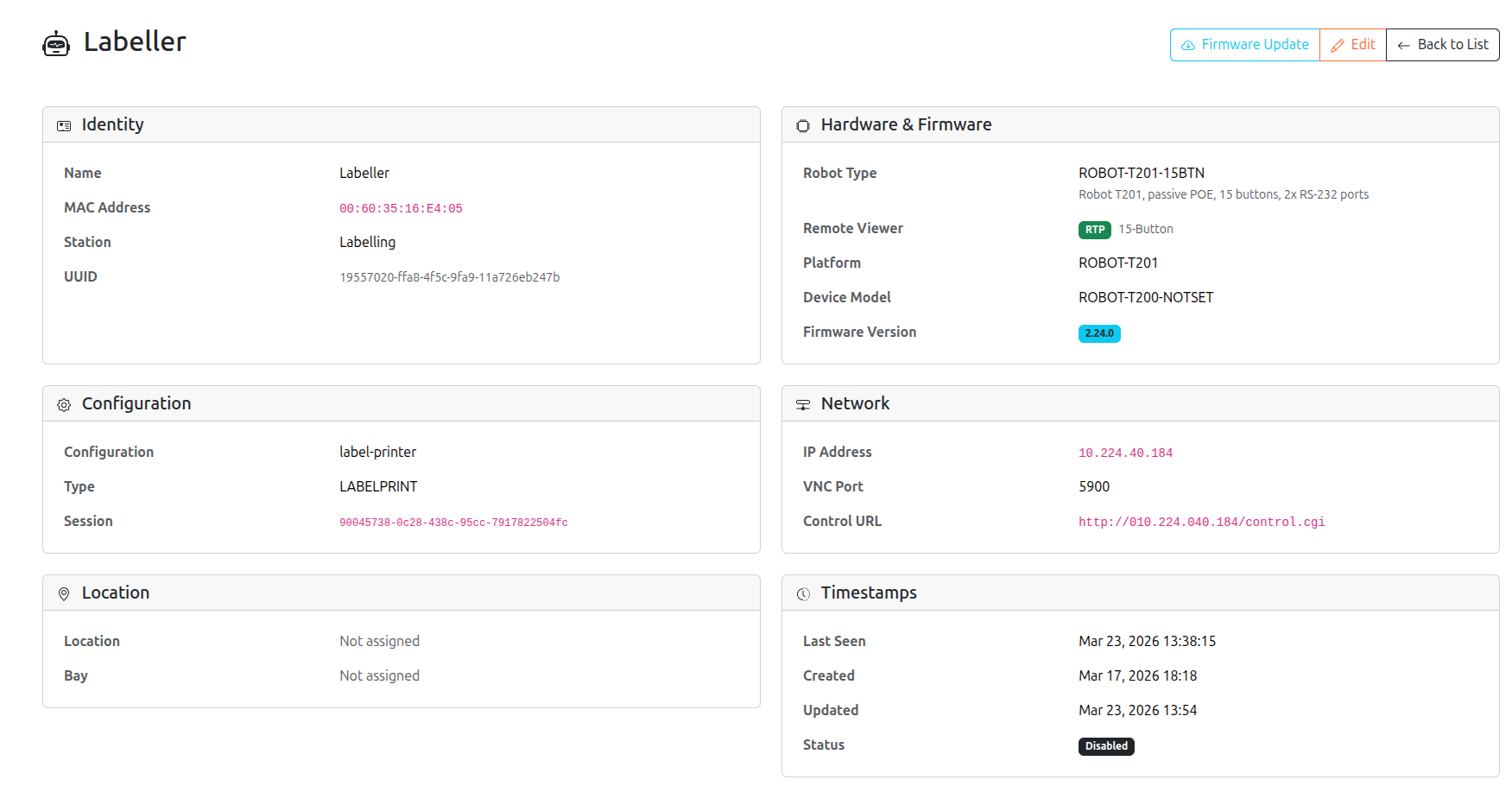
Track online status, IP connectivity, firmware version, and hardware state in real time. Devices that drop off the network or fall behind on firmware are surfaced immediately on the fleet dashboard.
Over-the-air firmware updates
Queue firmware images for individual devices or groups via the web UI. Devices pull the update on their next ping cycle, or are pushed immediately via the RTP FOTA command — no physical access required.
Auto-provisioning
Robots self-register on first HTTP contact with the server. The server auto-detects the model type, assigns the correct configuration profile, and brings the device online with no manual setup steps.
Event-driven audit trail
Every robot online/offline transition, firmware update, and configuration change is recorded as a structured event in the central audit log, with timestamp and operator attribution where applicable.
From the management console

How it works
Robot terminals communicate with the server over HTTP for routine operations (status pings, configuration pulls, event posting) and over WebSocket-tunnelled RTP for interactive sessions and on-demand commands. Both channels are authenticated and TLS-protected; a managed certificate store on the server handles device certificates without manual intervention.
Because the server runs on-premise inside your facility, terminals never need to reach the public internet — keeping operational traffic on your own network and within your security perimeter.
Typical operations
- Onboarding a new line — power up the terminals, point them at the server, and let auto-provisioning bring them online with the correct profile.
- Rolling out a firmware update — queue the new image against a device group; updates apply on the next ping cycle, with progress and outcome visible on the fleet dashboard.
- Troubleshooting a device — open a remote session via VNC or RTP from your browser; review the device’s recent events from the audit log without leaving the screen.
- Decommissioning a terminal — revoke the device’s certificate and remove it from its group; the audit log preserves a permanent record of the decommission.
Why it matters
Operating a fleet of industrial terminals at scale — across one or many packhouses, with seasonal staff and limited on-site IT — is where a fragmented approach falls down. Centralised terminal management means changes happen in minutes, not days; problems are caught before they cause line stoppages; and every action is traceable for compliance and post-incident review.
Back to Software · Contact us for a deployment discussion.